













Friday, December 19, 2025
  • About
  • Advertise
  • Privacy & Policy
  • Contact
Tech News, Magazine & Review WordPress Theme 2017
  • Home
  • Best
    Which Microsoft Office is Best for Windows 10

    Which Microsoft Office is Best for Windows 10?

    Top 5 Best Video Editing Apps for Android in 2022

    Top 5 Best Video Editing Apps for Android in 2022

  • How to
    How to Make Money From Home as a Woman

    How to Make Money From Home as a Woman: 8 best ways To Make Money From Home

    Satisfactory Dedicated Server

    How to Setup a Satisfactory Dedicated Server in 2023

    How to Speed Up Your Laptop

    How to Speed Up Your Laptop: Make Your Laptop Super Fast in 2023

    Best Windows VPS Hosting

    How to Choose the Best Windows VPS Hosting for Small Business

    What is Video Editing, Benefits of Video Editing Everything you need to know

    What is Video Editing, Benefits of Video Editing Everything you need to know

    Transfer File to the Phone from the Laptop

    How to Transfer File to the Phone from the Laptop

  • Software and Tools
    • Apps
    • Applications
  • Review
    Blooket

    How To Blooket Login & Everything You Need To Know About

    Tranny Tube

    Tranny Tube: All You Need to Know

    Best Pink Mechanical Keyboard for Immersive Gaming Experience

    Top 5 Best Pink Mechanical Keyboard for Immersive Gaming Experience

    Best Rugged Phone

    Top 10 Best Rugged Phone for Outdoor Enthusiasts

    Nikon COOLPIX S33 Review: Waterproof Digital Camera (Blue)

    Nikon COOLPIX S33 Review: Waterproof Digital Camera (Blue)

  • Gaming
    Game Localization Testing

    The Impact of Game Localization Testing on Global Gaming Market

  • Computers
    How to Factory Reset an Asus Laptop

    How to Factory Reset an Asus Laptop: Most Effective Tips in 2023

    How to Speed Up a Slow Computer

    How to Speed Up a Slow Computer: A Comprehensive Guide in 2023

    Mechanical Keyboard vs Normal Keyboard

    Mechanical Keyboard vs Normal Keyboard: What is the Difference?

  • Security
    Best Doorbell Camera Without Subscription

    Best Doorbell Camera Without Subscription To Enhance Home Security

No Result
View All Result
Factontech
  • Home
  • Best
    Which Microsoft Office is Best for Windows 10

    Which Microsoft Office is Best for Windows 10?

    Top 5 Best Video Editing Apps for Android in 2022

    Top 5 Best Video Editing Apps for Android in 2022

  • How to
    How to Make Money From Home as a Woman

    How to Make Money From Home as a Woman: 8 best ways To Make Money From Home

    Satisfactory Dedicated Server

    How to Setup a Satisfactory Dedicated Server in 2023

    How to Speed Up Your Laptop

    How to Speed Up Your Laptop: Make Your Laptop Super Fast in 2023

    Best Windows VPS Hosting

    How to Choose the Best Windows VPS Hosting for Small Business

    What is Video Editing, Benefits of Video Editing Everything you need to know

    What is Video Editing, Benefits of Video Editing Everything you need to know

    Transfer File to the Phone from the Laptop

    How to Transfer File to the Phone from the Laptop

  • Software and Tools
    • Apps
    • Applications
  • Review
    Blooket

    How To Blooket Login & Everything You Need To Know About

    Tranny Tube

    Tranny Tube: All You Need to Know

    Best Pink Mechanical Keyboard for Immersive Gaming Experience

    Top 5 Best Pink Mechanical Keyboard for Immersive Gaming Experience

    Best Rugged Phone

    Top 10 Best Rugged Phone for Outdoor Enthusiasts

    Nikon COOLPIX S33 Review: Waterproof Digital Camera (Blue)

    Nikon COOLPIX S33 Review: Waterproof Digital Camera (Blue)

  • Gaming
    Game Localization Testing

    The Impact of Game Localization Testing on Global Gaming Market

  • Computers
    How to Factory Reset an Asus Laptop

    How to Factory Reset an Asus Laptop: Most Effective Tips in 2023

    How to Speed Up a Slow Computer

    How to Speed Up a Slow Computer: A Comprehensive Guide in 2023

    Mechanical Keyboard vs Normal Keyboard

    Mechanical Keyboard vs Normal Keyboard: What is the Difference?

  • Security
    Best Doorbell Camera Without Subscription

    Best Doorbell Camera Without Subscription To Enhance Home Security

No Result
View All Result
Factontech Logo
No Result
View All Result
Home Smartphone

How to Get Your Phone to Charge Faster: Effective Tips in 2023

by Abdullah Al Mamun
3 years ago
in Smartphone
0
How to Get Your Phone to Charge Faster
467
SHARES
1.5k
VIEWS
Share on FacebookShare on Twitter

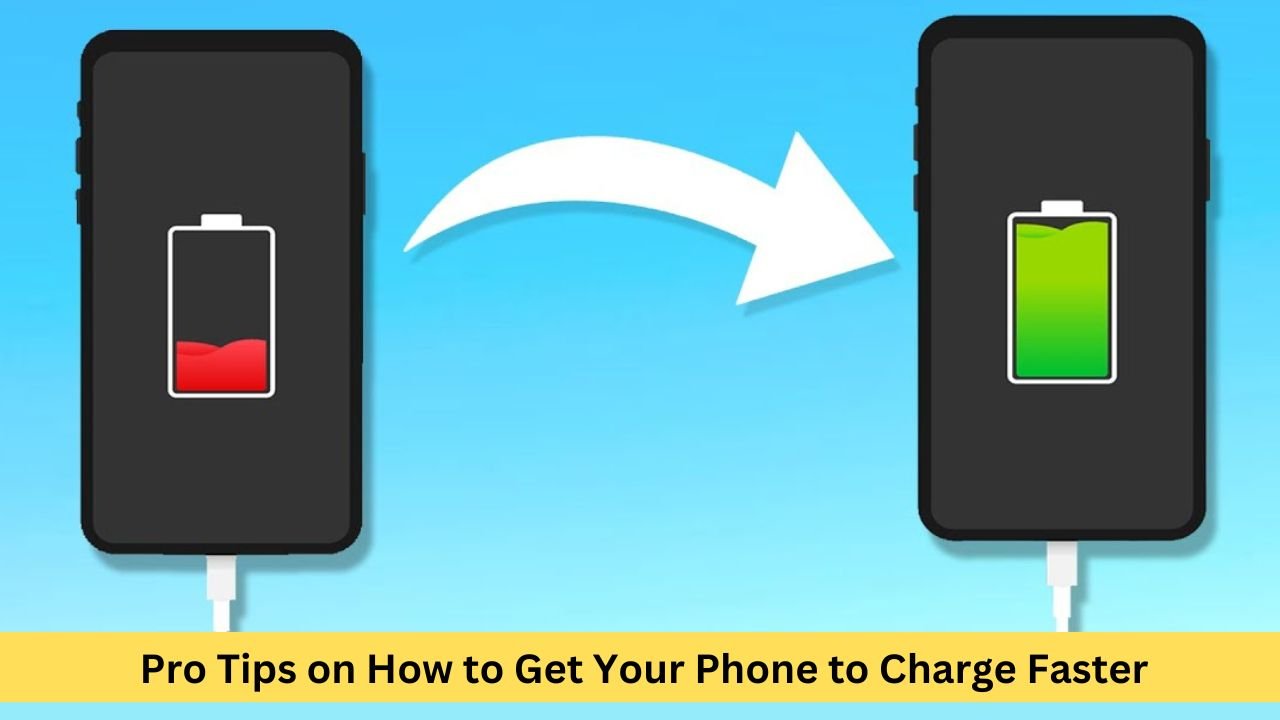
Are you seeking to know How to Get Your Phone to Charge Faster? In today’s fast-paced world, waiting for a phone to charge can be a frustrating experience. Fortunately, there are several techniques you can employ to speed up the charging process and get your phone powered up in no time.

It isn’t very pleasant to run out of charge on the phone at work or at a reasonable time. In the present age, no matter how expensive the mobile phone we use, all of a sudden, we all have to face the problem of not having a charge on the mobile.


RelatedPosts

How to Sort Text Messages by Date on Android

How to Sort Text Messages by Date on Android Device: Best Methods in 2023

June 18, 2023
Best Rugged Phone

Top 10 Best Rugged Phone for Outdoor Enthusiasts

June 5, 2023
Load More

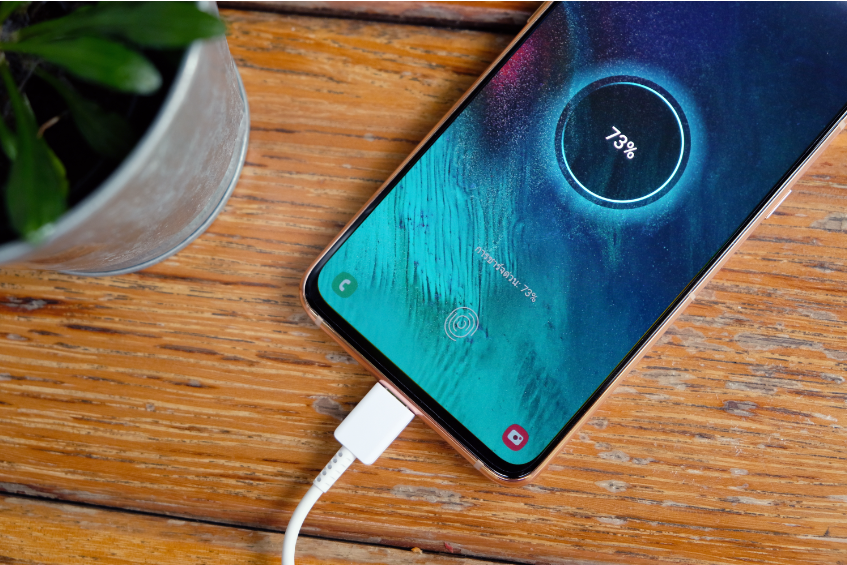
However, an exemplary aspect of advanced mobile usage is its fast-charging system. But the question may come to everyone’s mind how to get your phone to charge faster or what is the effective ways to make phone charge faster?

How to get your phone to charge faster
get your phone to charge faster

Now everyone can say, in the twentieth century, everyone has a high to mid-range mobile. And all those mobiles have all kinds of eye-catching features. One of them is a fast-charging system. We can learn the ways to make your phone charge faster when needed by following some tips and tricks. And how to get your phone to charge faster and more quickly is the main topic of today’s discussion.

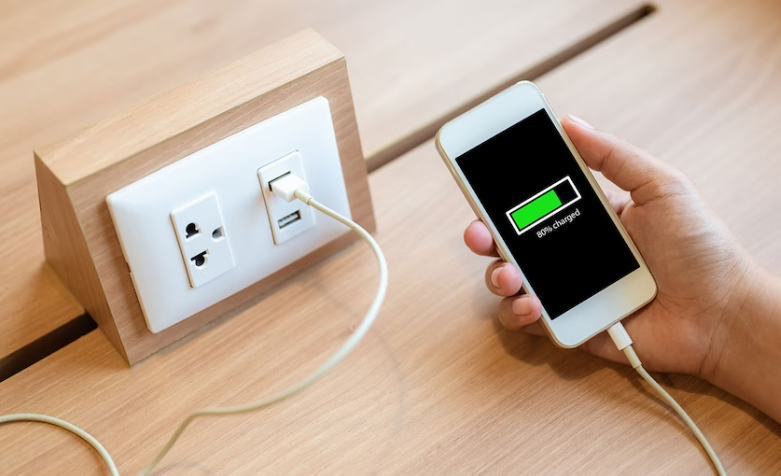
1.    Plug it into the wall, not your computer 

Depending on the device manufacturer and USB manufacturer in today’s era, USB ports typically range between 1 and 2.1 amps. However, this USB port or the cable through which you charge your mobile has no ability to charge fast. This cable only carries current to your mobile while charging your mobile. Only the adapter attached to your mobile has the ability to charge your mobile quickly.
Plug it into the wall, not your computer

If you have a new generation iPhone or Android phone, your fast charging technology is probably built into the charger. So don’t connect your mobile to any other device or computer for charging. To charge your mobile, only use the adapter provided with the mobile box. You will see that your mobile is charging very fast.

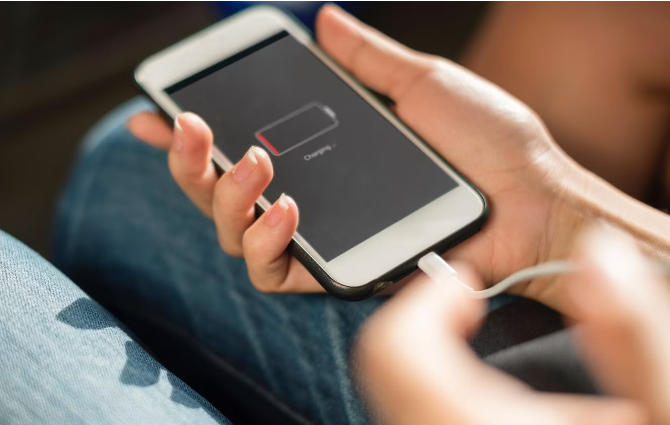
2.    When charging your mobile, turn your phone off. 

Turning off the phone and charging it is another effective way to make the phone charge faster. When you are charging your mobile, turn off your mobile if at that moment you do not have any practical work. Because if your device is running, then all the functions used on your device will consume that charge.
charging your mobile, turn your phone off

So, if the mobile is off, it prevents your mobile from using any power in the ongoing activities or connections on the mobile. And through it, every bit of electricity goes into the battery. And this is the easiest way, how to get your phone to charge faster.

You May Also Like To Read: Top 10 Best Rugged Phone 

3.    Switch to airplane mode

Does airplane mode make your phone charge faster? Yes! It is. Like your phone’s screen, your phone’s network connection is one of the reasons why your battery drains quickly. You must use an application while charging your phone, and leave it in airplane mode.
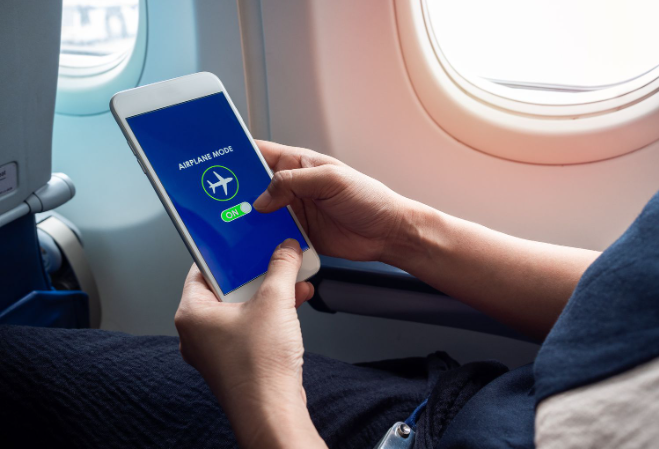
Switch to airplane mode

If you are about to receive a job notice or an article, it will be visible when you go on online. However, before charging the mobile, be free from online use and keep the mobile in airplane mode.

4.    Remove Your Phone’s Case

Lithium-ion batteries are presently used in all smartphones. The science behind how they function mandates that while the battery is cold, the charge controller is considerably more efficient. The battery temperature should be approximately 41- and 113 degrees Fahrenheit for optimal charging.
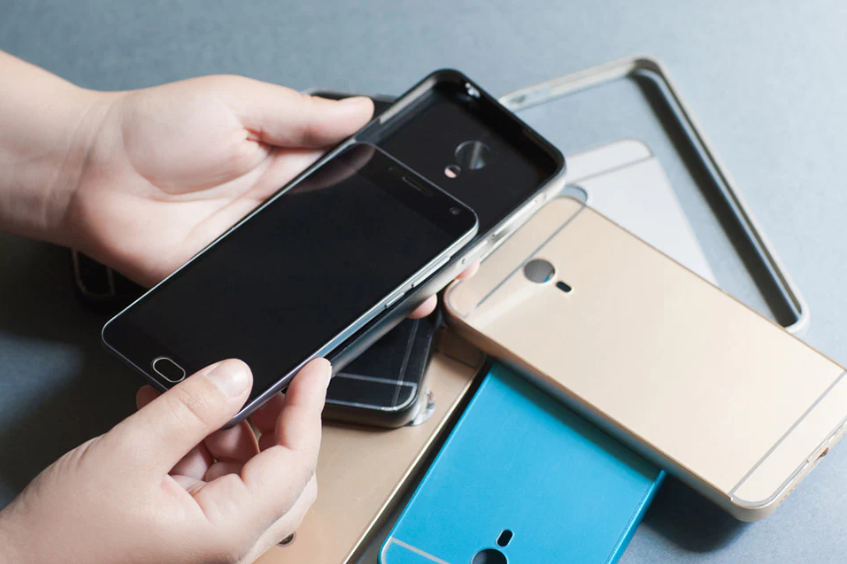
Remove Your Phone's Case

Apparently, the ambient surrounding temperature influences the battery temperature, and detaching your case will assist decrease it. And if you’re considering placing your phone in the cold to charge it, don’t. At temperatures below the optimum range, the effectiveness loss is much more severe.

5.    Don’t use your phone while it’s charging.

Suppose you asked anyone how to get your phone to charge faster. Then, the answer is, of course, do not use your phone when charging. One of the ways to make your phone charge faster is to refrain from using the phone while charging.
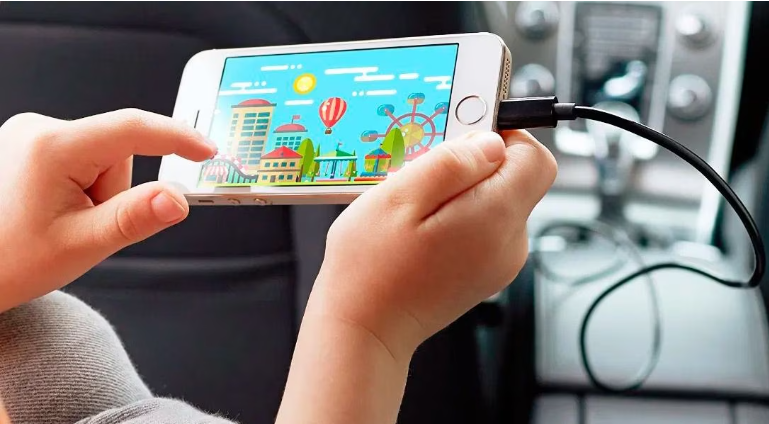
Don't use your phone while it's charging

This the most straightforward way to make your phone charge faster. One of the biggest drains of a phone is its screen. If you are expecting an important call and can’t turn off the phone, all you have to do is leave it on while charging.

6.    Avoid Wireless Charging

Wireless charging has a lot of potential; it’s incredibly handy and requires less wires, which I’m sure we can all agree is a good thing. If charging efficiency is your top goal, however, you definitely avoid them. They charge at a far slower rate than their connected equivalents.
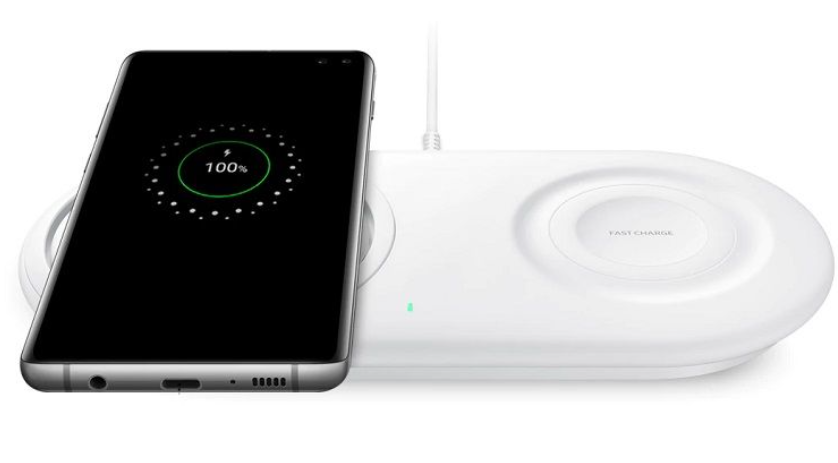
Avoid Wireless Charging

In fact, research indicates that they might be up to 50% slower. Why? There are two main causes behind this. To begin with, transferring energy via a cable is more efficient than transferring energy via simple touch. Second, the squandered energy emerges as extra heat. In point seven, we’ll go through this in further detail.

7.    Get a heavy-duty fast-charging cable.
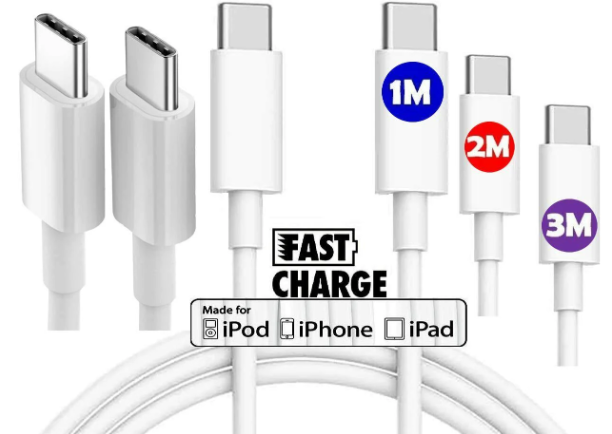
Get a heavy-duty fast-charging cable.

Most devices come with a standard 28-gauge cable, which can usually carry 0.5 amps. But there’s a big 24-gauge premium cable that can hold four times more amps than a 28-gauge cable. If you find that your phone is charging too slowly with a wall charger, consider a heavy-gauge cable. Some heavy-gauge cables identify as “fast chargers” that help reduce charging time on both iPhone and Android phones.

Conclusion 

So, it is possible to charge mobile phones in many ways. However, if someone charges their mobile phone following some tips and tricks, their mobile phone will charge faster than usual. Therefore, it can be said that if we follow all the tips and tricks on how to get your phone to charge faster than mentioned above, then we will be able to charge our mobile faster than usual.

Read also: click here

Tags: Effective Tips in 2023Get Your Phone to Charge FasterPhone to Charge Faster
Share187Tweet117Share47
Abdullah Al Mamun

Abdullah Al Mamun

Professional Content Writer and I like to share update news and products review. Passionate about writing engaging content & optimizing it for maximum visibility.

Related Posts

How to Sort Text Messages by Date on Android
Smartphone

How to Sort Text Messages by Date on Android Device: Best Methods in 2023

June 18, 2023
Best Rugged Phone
Review

Top 10 Best Rugged Phone for Outdoor Enthusiasts

June 5, 2023
Next Post
How to Speed Up a Slow Computer

How to Speed Up a Slow Computer: A Comprehensive Guide in 2023

How Much Does Web Hosting Cost

How Much Does Web Hosting Cost: Know The Cost of Hosting in 2023

Leave a Reply Cancel reply

Your email address will not be published. Required fields are marked *

Latest Posts

Is CapCut safe for kids

“Is CapCut safe for kids? A Complete Parent’s Guide to App Privacy and Content Safety”

May 18, 2025
Software ralbel28.2.5 issue

Software ralbel28.2.5 issue: How Can You Resolve Errors?

March 9, 2025
CNC Punching

How Does CNC Punching Work in Sheet Metal Fabrication?

January 12, 2025
CNC Machining Stainless Steel

What Are the Costs of CNC Machining Stainless Steel?

January 6, 2025
FURNITURE ON CUSTOMER DINING

IMPACT OF FURNITURE ON CUSTOMER DINING

August 8, 2024
Appearance Inspection Machine

Enhance Quality Control with the Appearance Inspection Machine from SZJ Automation

May 20, 2024

Latest Categories

  • Apps
  • Automobile
  • Best
  • Bio
  • Business
  • Camera
  • Computers
  • Domain and Hosting
  • Furniture
  • Gaming
  • Gear
  • How to
  • Learning
  • Microsoft
  • Review
  • Security
  • Smartphone
  • Social Media status
  • Software and Tools
  • Technology
  • Uncategorized
  • Windows
Factontech

Follow Us

Categories

  • Apps
  • Automobile
  • Best
  • Bio
  • Business
  • Camera
  • Computers
  • Domain and Hosting
  • Furniture
  • Gaming
  • Gear
  • How to
  • Learning
  • Microsoft
  • Review
  • Security
  • Smartphone
  • Social Media status
  • Software and Tools
  • Technology
  • Uncategorized
  • Windows

Recent Comments

    Recent News

    Is CapCut safe for kids

    “Is CapCut safe for kids? A Complete Parent’s Guide to App Privacy and Content Safety”

    May 18, 2025
    Software ralbel28.2.5 issue

    Software ralbel28.2.5 issue: How Can You Resolve Errors?

    March 9, 2025
    • About
    • Advertise
    • Privacy & Policy
    • Contact

    © 2022 Factontech.com

    No Result
    View All Result
    • Home
    • Review
    • Apple
    • Applications
    • Computers
    • Gaming
    • Gear
      • Audio
      • Smartphone
    • Microsoft
    • Photography
    • Security

    © 2022 Factontech.com